


DStv Error E48-32 | How to Fix It Quickly
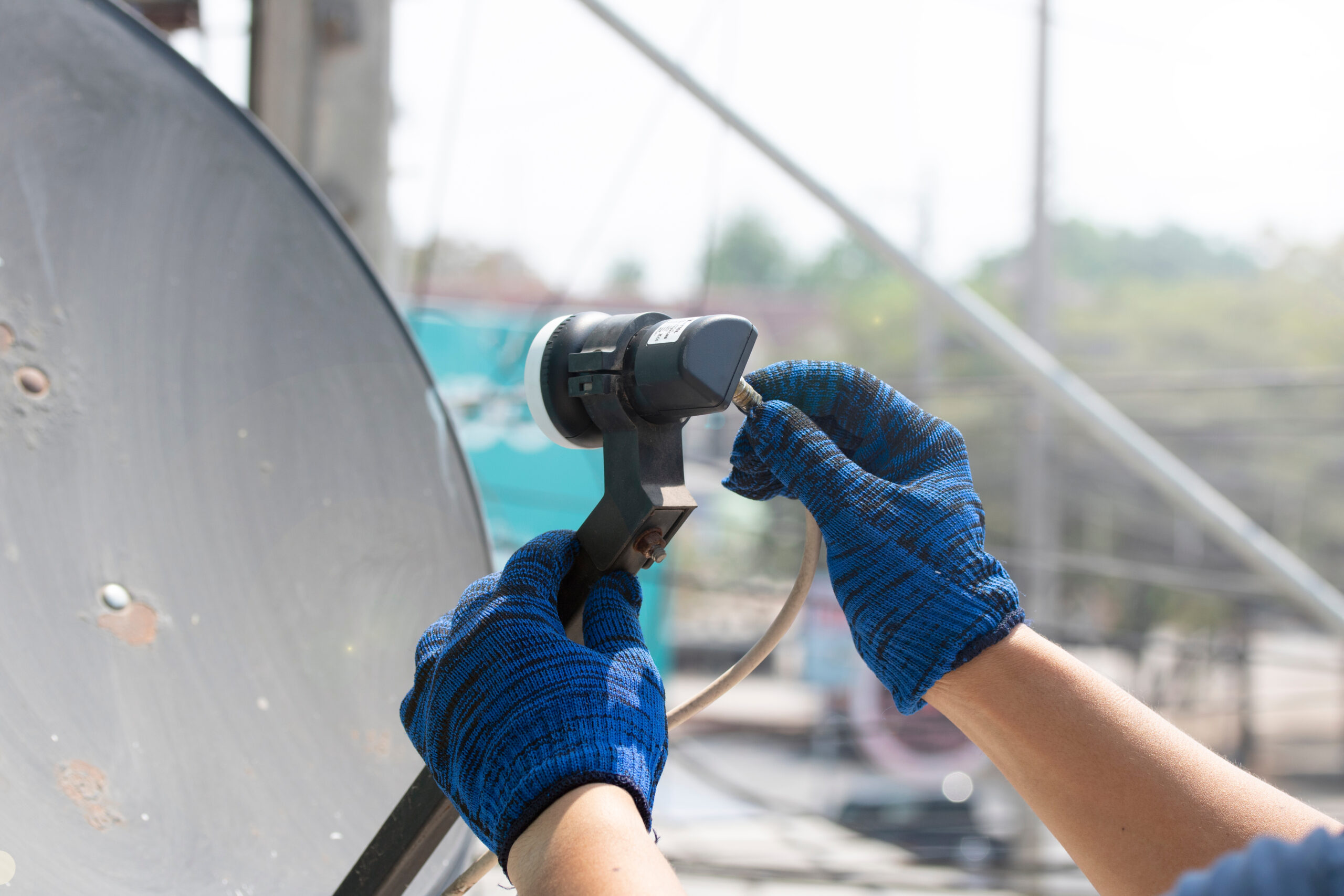
If your DStv decoder is displaying E48-32, your television will usually show a “No Signal” message because the decoder is not receiving a usable satellite signal. This can happen because of heavy rain or storms, loose or damaged satellite cables, a misaligned dish, an LNB problem, or another fault somewhere between the satellite dish and decoder. DStv also recommends checking the cable connections and power-cycling the decoder when the weather is clear.
Mr DStv can help you identify the actual cause instead of repeatedly restarting the decoder without addressing the underlying signal problem.
What Does DStv Error E48-32 Mean?
E48-32 is primarily a DStv signal reception problem. Your decoder may still be powered on and functioning, but it is unable to receive the required satellite signal. The fault can therefore be associated with the dish, LNB, coaxial cable, connectors, satellite installation or temporary weather conditions.
Common Causes of E48-32
Several issues can result in the E48-32 error, including:
- Heavy rain, thunderstorms or severe weather
- A satellite dish that has moved out of alignment
- Loose cable connections
- Damaged or weathered coaxial cable
- Faulty or damaged F-connectors
- A defective LNB
- An obstruction affecting the dish’s line of sight
- Problems with the satellite installation
- A temporary decoder communication or power issue
How to Fix E48-32 Yourself
Before arranging a technician, there are a few safe checks you can perform. If there is heavy rain or a storm outside, wait for the weather to improve because rainfall can temporarily interrupt satellite reception. Once conditions are clear, check that the satellite cable is securely connected to the appropriate input on the back of your decoder. DStv specifically recommends checking the cables and switching the decoder off at the wall for at least 10 seconds before powering it back on.
Restart Your DStv Decoder
Switch the decoder off at the wall socket and wait for at least 10 seconds. Switch it back on and allow it enough time to complete its startup process. Check whether your channels return after the decoder has fully restarted.
If E48-32 immediately returns, repeatedly rebooting the decoder is unlikely to solve a physical signal problem.
Check the Satellite Cable
Inspect the cable connected to the decoder and make sure it is properly secured. Look for obvious signs of damage, cuts, loose connectors or moisture around the connection. A damaged cable or connector can prevent the decoder from receiving a stable signal.
When Dish Alignment or the LNB Is the Problem
If the weather is clear and your cables appear secure but E48-32 remains on the screen, the problem may be outside. A satellite dish can move slightly because of strong wind, accidental impact or deterioration of its mounting hardware. Even a relatively small alignment change can cause the decoder to lose satellite reception.
The LNB, which receives the satellite signal from the dish, can also develop faults. These problems are more difficult to diagnose accurately without the appropriate testing equipment. Mr DStv can inspect the installation, test the signal and determine whether the issue involves the dish alignment, LNB, cable or another part of the signal path.
Avoid Adjusting the Dish Yourself
Do not randomly move the satellite dish in an attempt to restore the signal. Incorrect adjustment can make the problem worse and may result in additional alignment work being required. Professional signal testing allows Mr DStv to identify the problem and make the necessary adjustments accurately.
How Mr DStv Can Help With E48-32
When the basic checks do not clear the error, Mr DStv provides professional DStv troubleshooting and signal repair. The technician can assess the complete installation rather than focusing only on the decoder. This helps identify whether the fault is caused by signal loss, dish alignment, an LNB, cable connections, connectors or another installation issue.
Mr DStv can also assist when the E48-32 error keeps returning after temporarily disappearing. A recurring fault usually deserves a proper inspection because simply rebooting the decoder does not correct an underlying installation problem.
Frequently Asked Questions About E48-32
1. Why is my DStv showing E48-32 when my decoder is switched on?
E48-32 can appear even when the decoder has power because the decoder is not receiving a usable satellite signal. Mr DStv can test the signal path and identify the cause of the interruption.
2. Can rain cause the E48-32 error?
Yes. Heavy rain and storms can temporarily interrupt DStv satellite reception. If the weather has cleared and E48-32 remains, Mr DStv can inspect the installation to determine whether another problem is responsible.
3. Can Mr DStv fix a recurring E48-32 problem?
Yes. Mr DStv can troubleshoot recurring E48-32 faults by checking the satellite signal, dish alignment, LNB, cabling and relevant connections to establish the underlying cause.
Contact Mr DStv for E48-32 Assistance
If you have tried restarting your decoder and checking the accessible cable connections but DStv E48-32 is still showing, contact Mr DStv on 081 472 2886. Get professional assistance to diagnose the signal problem and restore your DStv viewing without unnecessary guesswork.