


The Most Common DStv Explora Problems and Their Solutions
A DStv Explora provides convenient access to live television, recordings, Catch Up and other entertainment features, but like any electronic equipment, it can sometimes develop problems. Common issues include no signal, picture freezing, missing sound, a remote that does not respond, recording failures, booting problems and error messages. Mr DStv provides professional DStv troubleshooting, installation, repairs and signal-related services to help restore your Explora when basic checks do not solve the problem.
1. DStv Explora Showing No Signal
A no signal message is one of the most common DStv Explora problems. It can occur because of heavy rain, a misaligned satellite dish, damaged coaxial cable, loose connections, an LNB problem or an issue with the satellite configuration. Before arranging a technician, check that the satellite cable is firmly connected to the correct input on the decoder and that there are no obvious signs of cable damage.
How Mr DStv Fixes Signal Problems
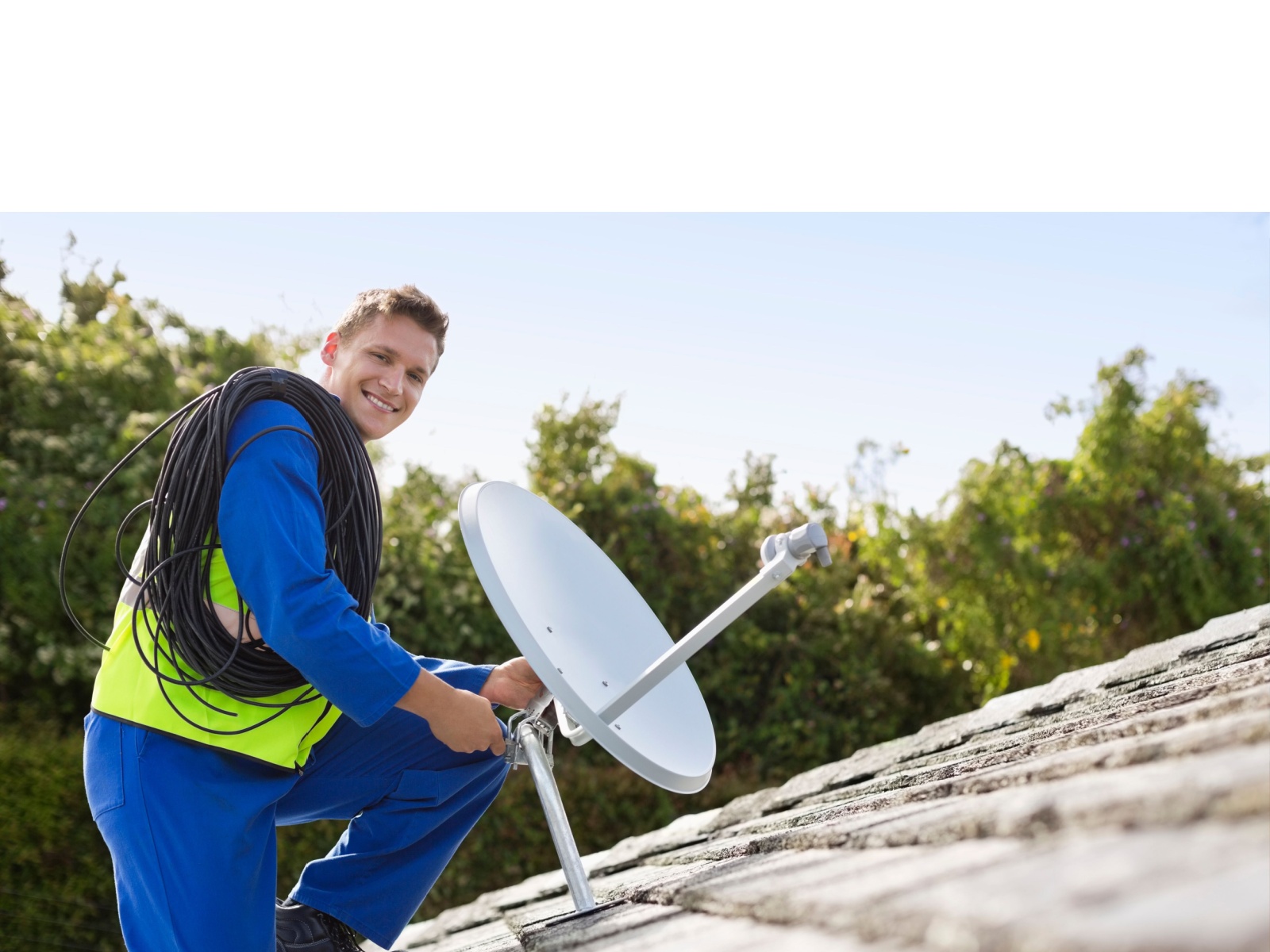
Mr DStv checks the complete satellite installation rather than simply resetting the decoder. This includes inspecting the dish, LNB, connectors and cabling and testing the signal reaching the Explora. If the dish has moved or the signal is unstable, professional alignment can help restore reliable reception.
2. Picture Freezing, Pixelation or Poor Quality
If your Explora picture repeatedly freezes, breaks into blocks or becomes pixelated, the problem may be related to signal quality rather than the television itself. Weather can temporarily affect satellite reception, while persistent pixelation may indicate dish alignment, cable, connector or LNB problems.
Mr DStv can test the installation to determine whether the problem originates from the satellite signal, cabling or decoder. This approach helps prevent unnecessary replacement of equipment when the actual fault is somewhere else in the installation.
3. DStv Explora Remote Not Working
A non-responsive remote can make an otherwise working Explora difficult to use. Start by replacing the batteries and checking that nothing is blocking communication between the remote and decoder. If the remote still does not respond, the issue may involve pairing, the remote itself or the decoder’s ability to receive commands.
When to Contact Mr DStv
If basic battery and connection checks do not resolve the problem, Mr DStv can inspect the setup and determine whether the fault is with the remote, decoder or another component. Professional troubleshooting is particularly useful when the remote works intermittently or the decoder itself appears frozen.
4. Explora Keeps Restarting or Gets Stuck
An Explora that repeatedly restarts, remains stuck on the startup screen or becomes unresponsive may have a software, power, overheating or internal hardware-related problem. First, switch the decoder off at the wall, wait briefly and power it back on. Make sure the decoder has adequate ventilation and is not enclosed in a space where heat can build up.
Avoid Unnecessary Factory Resets
A factory reset or hard-drive formatting can remove settings and recordings, so it should not be the first response to every decoder problem. Mr DStv can diagnose the symptoms before recommending a more disruptive reset or repair.
5. DStv Explora Recording Problems
Recording failures can occur when the decoder experiences storage-related problems, software faults or other technical issues. You may notice that scheduled programmes do not record, recordings disappear or previously recorded content does not play correctly.
Mr DStv can assess the decoder and installation to establish whether the problem is related to the Explora itself or another part of the system. This is especially important when recording problems happen together with freezing, restarting or other unusual decoder behaviour.
6. Sound Problems or No Audio
If you have a picture but no sound, check the television volume, mute setting and selected audio input. You can also disconnect and reconnect the HDMI cable and confirm that the television is using the correct HDMI source. If the problem continues, the fault could involve the HDMI connection, decoder settings or equipment.
Mr DStv can troubleshoot persistent audio problems and check the connection between the Explora and television to identify the source of the fault.
7. DStv Explora Error Messages
Different error messages can point to different causes, including subscription-related issues, signal problems, smartcard communication, connection faults or decoder problems. Instead of repeatedly rebooting the system without identifying the cause, note the exact error displayed on your screen.
Professional Error Diagnosis by Mr DStv
Mr DStv can investigate persistent decoder errors and check the satellite installation, connections and equipment. Providing the exact error message when making an enquiry can help speed up the initial troubleshooting process.
8. When Should You Call Mr DStv?
You should consider contacting Mr DStv when your Explora continues experiencing problems after basic checks, particularly when there is persistent signal loss, repeated rebooting, frequent picture freezing, recording failure, damaged cabling or unexplained error messages. Professional troubleshooting can identify whether the problem is with the decoder, dish, LNB, cable, connections or another part of the DStv installation.
Frequently Asked Questions
Can Mr DStv fix a DStv Explora with no signal?
Yes. Mr DStv can inspect the satellite dish, LNB, cables, connectors and decoder to identify the cause of persistent signal problems and carry out the necessary DStv installation or repair work.
Can Mr DStv help with a DStv Explora that keeps freezing?
Yes. Mr DStv can troubleshoot repeated freezing and determine whether the cause is related to signal quality, cabling, dish alignment, the decoder or another component of the installation.
Does Mr DStv provide DStv Explora troubleshooting?
Yes. Mr DStv provides professional DStv troubleshooting, installations, repairs and related services. Contact Mr DStv with the problem displayed on your Explora so the appropriate assistance can be arranged.
Contact Mr DStv for DStv Explora Problems and Fixes
Don’t allow recurring DStv Explora problems to disrupt your viewing. Contact Mr DStv on 081 472 2886 to enquire about professional DStv troubleshooting, signal checks, installations and repairs. Whether your Explora has no signal, freezes, struggles to record, displays persistent errors or has another technical problem, Mr DStv can help identify the cause and get your DStv system working properly again.